


Download PLAYit APK – Multimedia Player, Video Downloader, MP3 Converter
Overview
PLAYit is a free multimedia application designed for mobile devices, serving as a video player, music player, video downloader, and audio converter. The app enables users to stream and play a wide range of video and audio formats directly on their smartphones or tablets. It is particularly useful for individuals who frequently consume media from social media platforms and video-sharing websites. By integrating playback, downloading, and conversion tools into a single interface, PLAYit offers a streamlined experience for managing multimedia content. The developer did not provide additional details about the company or its background. The software is available as an APK file, indicating it is intended for Android-based devices. Real-world usage scenarios include watching offline videos, converting video clips to audio for background listening, and downloading content from supported platforms for later viewing. While the app supports most common formats, it does not support YouTube video downloads. Despite limitations, PLAYit provides a comprehensive solution for users seeking a unified tool for media consumption and management.Key Features & Capabilities
- Multi-format Video Playback – Supports a wide range of video formats, allowing users to play files saved locally without conversion.
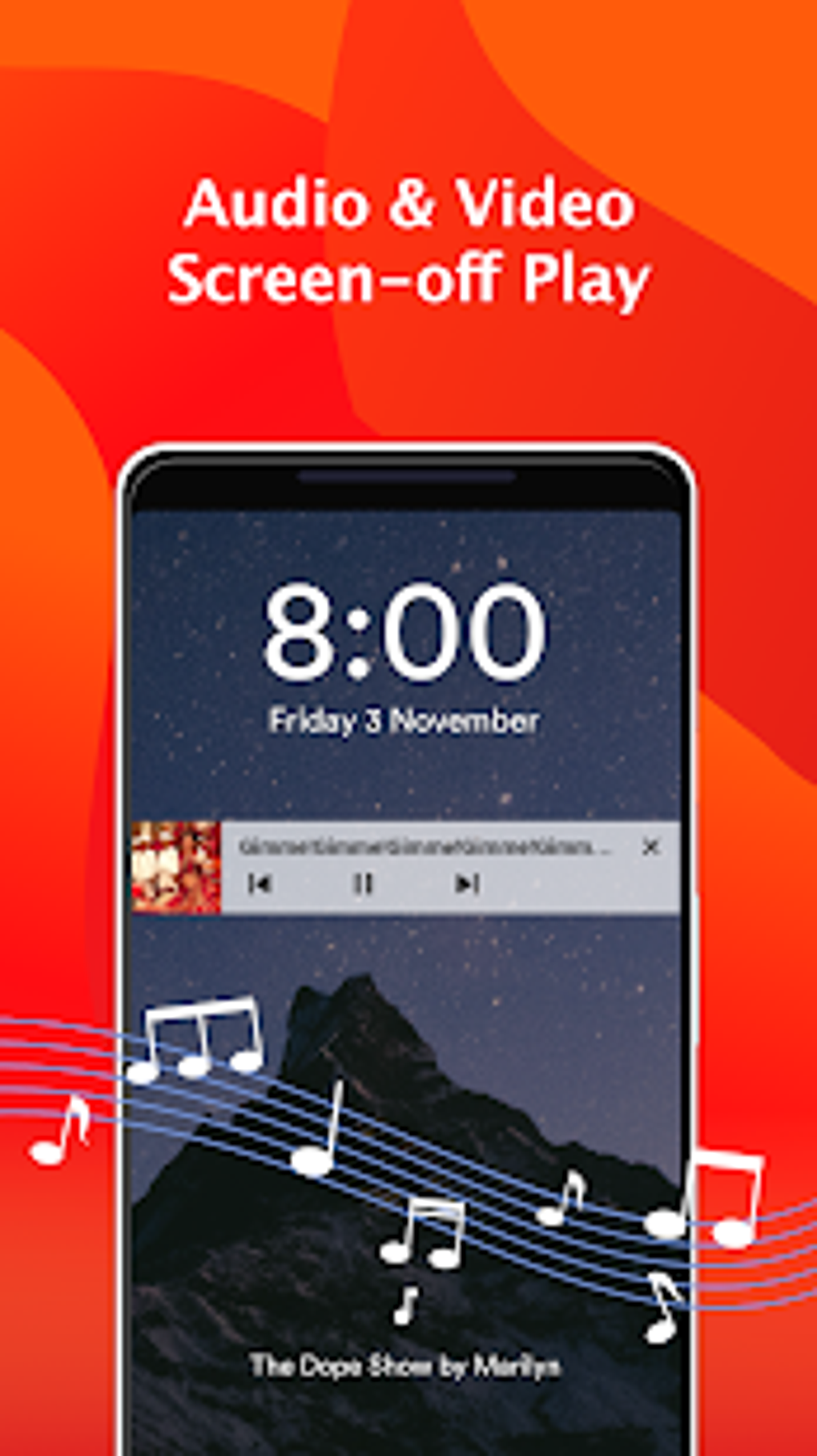
- Integrated Music Player – Enables playback of audio files with shuffle and sequential modes, and allows background playback.
- Floating Video Player – Lets users continue using other apps while watching videos in a resizable, movable window.
- Video Downloader – Allows downloading videos from supported social media and video-sharing sites by tapping a dedicated icon.
- MP3 Converter – Converts MP4 and other video files into audio-only MP3 format for portable listening.
- Gesture Controls – Offers intuitive touch gestures for navigation, volume, and playback adjustments.
- Multi-Play Option – Supports simultaneous playback of multiple video files in split-screen or picture-in-picture mode.
User Interface, Workflow & Performance
The user interface of PLAYit is clean and minimalistic, with a focus on ease of navigation. Main functions are accessible via a central dashboard, including video playback, music playback, download manager, and converter tools. Navigation is intuitive, with bottom navigation bars and swipe gestures for quick access. The workflow is streamlined: users can open a video file, tap the download button, and begin the process with minimal steps. The floating player enhances multitasking by allowing users to continue other tasks while watching content. However, the developer did not specify resource usage details. Performance observations are based on general software behavior patterns. Users may experience delays during downloads, particularly on slower networks. The app may consume moderate CPU and RAM depending on playback and conversion tasks. Stability is generally acceptable, though frequent advertisements may disrupt the user experience. No information was provided about crash rates or update frequency.Compatibility & System Requirements
PLAYit is available as an APK file, indicating it is designed for Android devices. The exact operating system version requirements were not listed. Installation size varies depending on the device and included components, but it is generally considered lightweight. The developer did not specify hardware requirements such as RAM, processor, or storage capacity. Compatibility information was partially provided. Users should ensure their device supports APK installation and has sufficient storage space for downloaded media. The app does not support iOS or desktop platforms based on the current distribution model.Pros and Cons
Pros
- Free to download and use without requiring an account.
- Combines video player, music player, downloader, and converter in one app.
- Supports a wide range of video and audio formats.
- Features a floating player for multitasking.
- Intuitive gesture controls and simple interface.
- Allows audio extraction from videos via MP3 conversion.
Cons
- Cannot download videos from YouTube.
- Download speeds are relatively slow.
- Contains frequent advertisements that interrupt usage.
- Performance may degrade under heavy multitasking or large file processing.
- APK-only availability limits access to official app stores.
FAQ Section
Is PLAYit available for iOS devices?
PLAYit is currently distributed as an APK file, which is designed for Android. There is no official iOS version available.
Can I download videos from YouTube using PLAYit?
No, PLAYit does not support downloading videos from YouTube. This limitation is due to platform-specific restrictions and policies.
Is PLAYit safe to download and install?
As an APK, PLAYit is available from third-party sources. Users should ensure they download from trusted websites to avoid malware. The developer did not provide a verified security certification.
Does PLAYit require an internet connection?
Yes, an active internet connection is required for downloading videos, streaming content, and accessing online features.
Can I use PLAYit offline?
Yes, once videos and music are downloaded, they can be played offline without an internet connection.





.png)

